
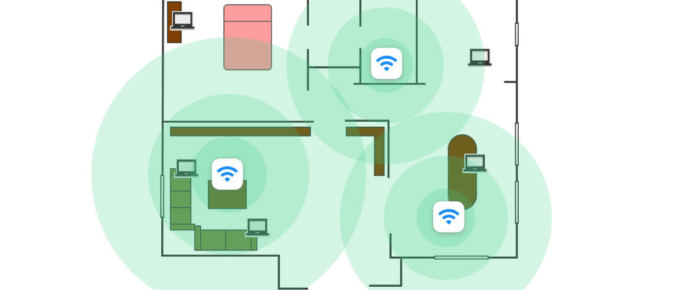
Common Home Wi-Fi Issues Maintaining optimal performance and speed for gaming, video streaming, and smart home devices is important, but now that so many people are working from home for the …

CASE STUDY: Fast-growing Startup, Spotty Wi-Fi
A software startup company with 25 users (and growing) had a network consisting of wireless devices including MacBook laptops, mobile phones, Chromecast devices, and Apple TVs. All of these devices …
Continue Reading about CASE STUDY: Fast-growing Startup, Spotty Wi-Fi →

How to Share Passwords Securely (and Quickly)
You’ve probably heard that you should never share passwords. And as a general rule, that’s good advice to follow. Passwords are the keys that unlock access to everything we do online, so you want to …
Continue Reading about How to Share Passwords Securely (and Quickly) →

Work From Home Security: Protect Yourself from Credential Attacks and Enable MFA Now
The Dangers of Remote Work People who work from home are a favorite target for hackers, because the typical work from home (WFH) computer setup is less secure than a professionally-installed …

Slow Computer? Try These 5 Troubleshooting Steps
Working from home is difficult enough - even without additional IT problems and slowdowns. There are many possible causes for slow computer problems: bad Internet connection, poor Wi-Fi signal …
Continue Reading about Slow Computer? Try These 5 Troubleshooting Steps →

Work From Home Setup – Remote Worker IT Checklist
If you're worried about COVID-19 infecting people at your office, you're not alone. Many companies have already implemented an effective social distancing protocol to help prevent the spread of the …
Continue Reading about Work From Home Setup – Remote Worker IT Checklist →