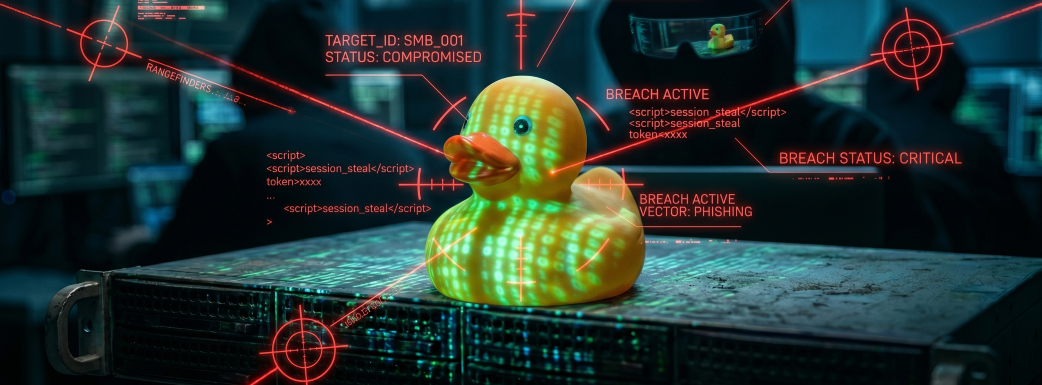
Most business owners are still bracing for a phishing “scam,” but they aren’t prepared for an AI-driven identity hijacking that bypasses MFA and walks right through their front door.
With the rise of Generative AI, the barrier to entry for cybercriminals has completely collapsed. A teenager with an LLM can now launch a sophisticated, enterprise-grade attack in seconds – and they’re targeting small-to-medium businesses because, frankly, most of them have their “digital doors” wide open.
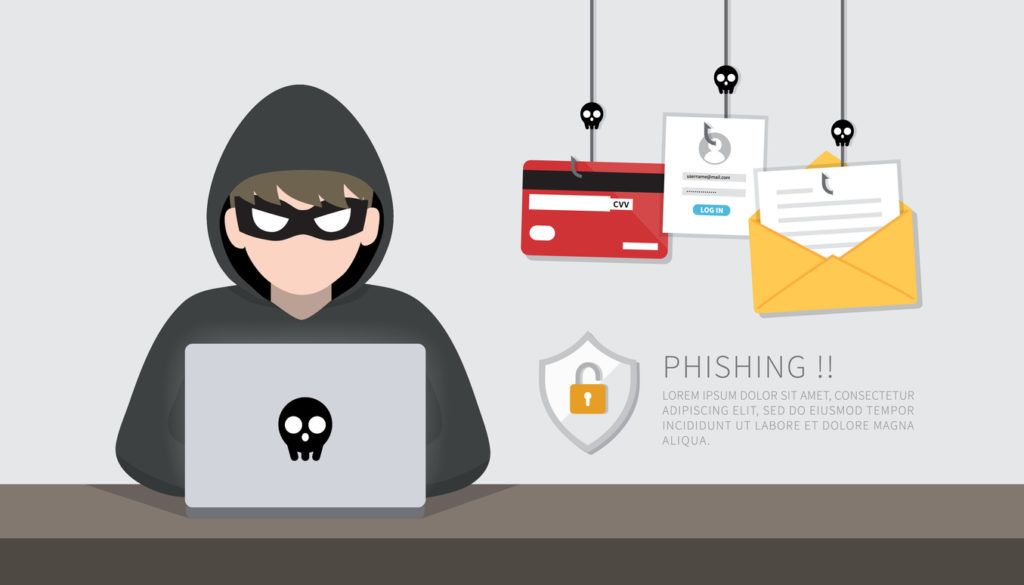
Just last month, KnowBe4 released a report showing that 86% of phishing attacks are now AI driven. Given how widespread these attacks are, it’s helpful to know how they work. The basic steps of the attack – and the risks posed to businesses – are summarized below:
The Anatomy of an AI-Driven Phishing Attack
| Attack Step | The Vulnerability (Why You’re at Risk) |
| 1. Reconnaissance AI tools scrape LinkedIn and your “About Us” page to map your org chart and learn your company’s tone. | Public Exposure: Your employees’ professional data is a roadmap for hackers. AI makes manual research instant and effortless. |
| 2. The Perfect “Hook” Attackers use AI to write flawless, urgent emails that sound exactly like your CEO or a trusted vendor. | The Trust Reflex: Without “Zero Trust” protocols and cyber training, your team is wired to help. They’ll click before they think. |
| 3. Landing Page Deployment They spin up “look-alike” login pages that are indistinguishable from Microsoft 365 or Google Workspace. | Lack of DNS Protection: Most SMBs don’t have filters to block newly registered, malicious domains in real-time. |
| 4. The Credential Grab The victim enters their password. AI bots instantly test those credentials across 100+ other sites. | Password Reuse: If your employee uses the same password for work and personal sites, your entire network is now compromised. |
| 5. MFA Bypass (Session Hijacking) Hackers use “Adversary-in-the-Middle” tools to intercept not just your password, but your session token. | The MFA Myth: Most people think MFA is an invincible shield. If a hacker steals your “logged-in” session cookie, they bypass the MFA prompt entirely. |
| 6. Living off the Land Hackers don’t install loud viruses anymore. They use your own tools (Office 365, Teams) to hide in plain sight. | Dwell Time: The hacker spends weeks reading emails and “learning” your business. They wait for the perfect moment to strike. |
| 7. The Payload / Payout Once they have enough intel, automated scripts encrypt your data or silently divert your wire transfers. | Total Compromise: The average breach goes undetected for weeks. By the time the ransomware hits, the money is already gone. |
You can probably guess what Step 8 looks like (hint: it often involves major business downtime and financial loss. See example below).
Case Study: The $100 Million “Help Desk” Call
In late 2023, MGM Resorts was hit by a cyberattack that shut down slot machines, hotel digital keys, and reservation systems across Las Vegas for days. It cost them an estimated $100 million.
How did a multi-billion dollar empire fall? They fell through the exact 7-step trap outlined above:
- The attackers found an employee’s name on LinkedIn (Reconnaissance).
- They called the Help Desk pretending to be that employee (The Hook).
- They convinced IT to reset the credentials (MFA Bypass).
- They spent days “dwelling” in the network, reading emails and moving laterally (Living off the Land) before finally deploying ransomware.
The moral of the story: If a $100M company can be taken down by a simple phone call and some LinkedIn research, your business needs more than just a firewall and antivirus.
The Hidden Weak Link: Your IT Help Desk
The MGM disaster highlights a reality that most business owners ignore: Your IT Help Desk is one of your biggest security risks.
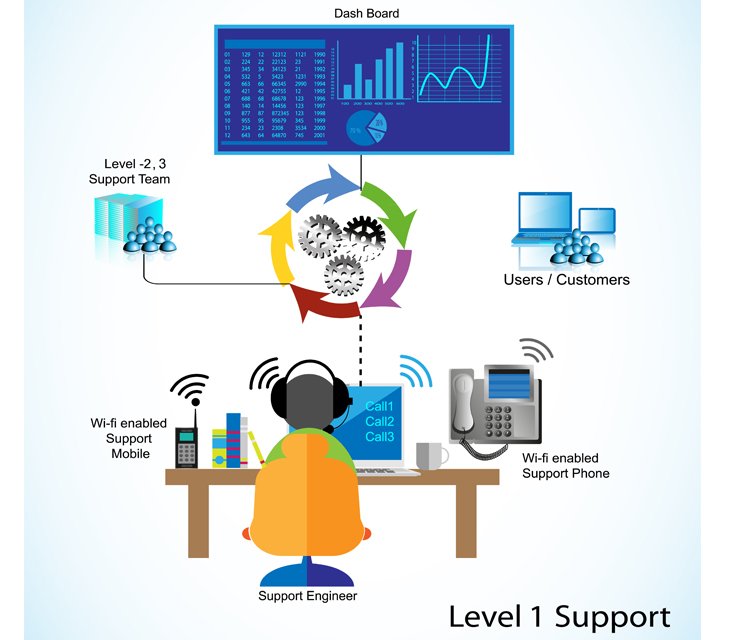
Hackers know exactly how most Help Desks operate. They are usually understaffed, awash in a never-ending flood of support tickets, and measured by how fast they close them. This creates a culture of “efficiency over security” that social engineers exploit with ease.
- The Lack of Verification Policy: In many SMBs, if someone calls IT and sounds stressed while asking for a password reset, the technician’s instinct is to “be helpful.” Without a strict, written policy requiring multi-step identity verification, your Help Desk is literally handing out the keys to the kingdom.
- Social Engineering Mastery: Attackers don’t just use scripts; they use psychology. They call during “rush hour” or right before a holiday, using urgency to pressure a tired technician into skipping security protocols.
- The “Path of Least Resistance”: If your IT provider doesn’t have a documented, audited process for high-risk requests (like MFA resets or credential changes), they are essentially a “Get Out of Jail Free” card for any hacker with a LinkedIn account.
This is especially true for businesses that outsource their IT Help Desk function to an MSP (Managed IT Service Provider). I can speak from experience that many MSPs struggle with handling high ticket volume, training entry-level techs, and enforcing policies (which often differed from client to client), making them more vulnerable to attacks against user identity.
The Ultimate Defense: An AI-Powered 24/7 SOC
To counter AI-driven identity attacks, you need managed cybersecurity services that combine strict human policies with an AI-powered Security Operations Center (SOC).

This is a team of elite analysts backed by machine learning that monitors user behavior 24/7/365. Here’s how it works:
- Spotting the Spy: In a “Living off the Land” scenario, there are no “bad files” for antivirus to find – there is only bad behavior. If Sarah in Accounting suddenly logs in from a new IP and starts downloading 5,000 files at 2:00 AM, our SOC flags it as a high-probability breach.
- Instant Identity Lockdown: While a human manager is still asleep, our SOC identifies the anomaly and can instantly disable the compromised user account, stopping the breach in minutes.
- Policy + Protection: Through cybersecurity consulting, we help you build the actual protocols that prevent your Help Desk from becoming a hacker’s best friend.
Crucially, your cybersecurity and IT should be separated. Combining the two creates risk because these are two powerful business functions – and your digital “eggs” are currently all in one basket. It’s important to address the question of “who watches the watchers?” and hold your IT accountable (and vice-versa).
Don’t Wait for the Disaster to Strike
If you’re still relying on “hoping for the best,” you’re playing a dangerous game.
The best time to fix a leaky roof is before it starts raining. In the world of cybersecurity, it’s already pouring – largely due to the rapid deployment of malicious AI tools by criminal hackers.
Want to know exactly where your business stands? I offer a Cybersecurity Risk Assessment that provides a comprehensive look at your external exposure and vulnerabilities.
Let’s identify the gaps before a hacker does.
